Weekly Challenges
Last updated: January 28, 2026
Weekly Challenges are short, repeatable activities that enable users to apply skills in a focused and time-efficient manner. They complement SkillUp learning paths and certifications by offering ongoing practice rather than long-form coursework.
Weekly Challenges support the following objectives:
Provide structured opportunities for continued learning after completing badges or certifications
Encourage consistent participation through a predictable weekly cadence
Introduce a controlled competitive element within an organization
Note: A new challenge releases every week. Challenges and leaderboards reset every Tuesday at 6:00 PM UTC.
Accessing weekly challenges
To access the weekly challenge:
Log in to your SkillUp account using your credentials.
Locate the weekly challenge banner on the right side of the homepage.
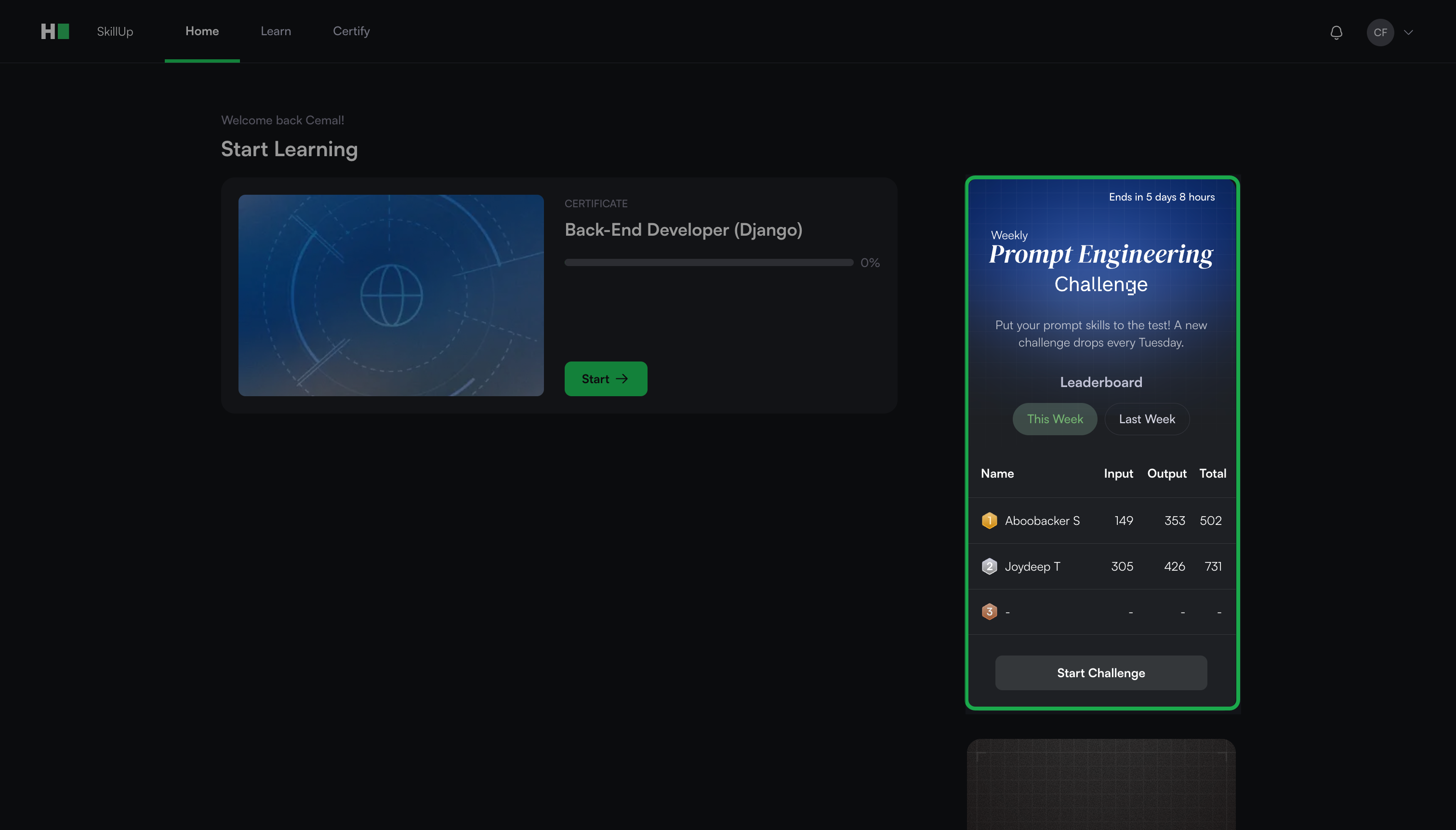
The banner displays the remaining time to attempt the challenge, along with the current and previous week leaderboards.
Leaderboard
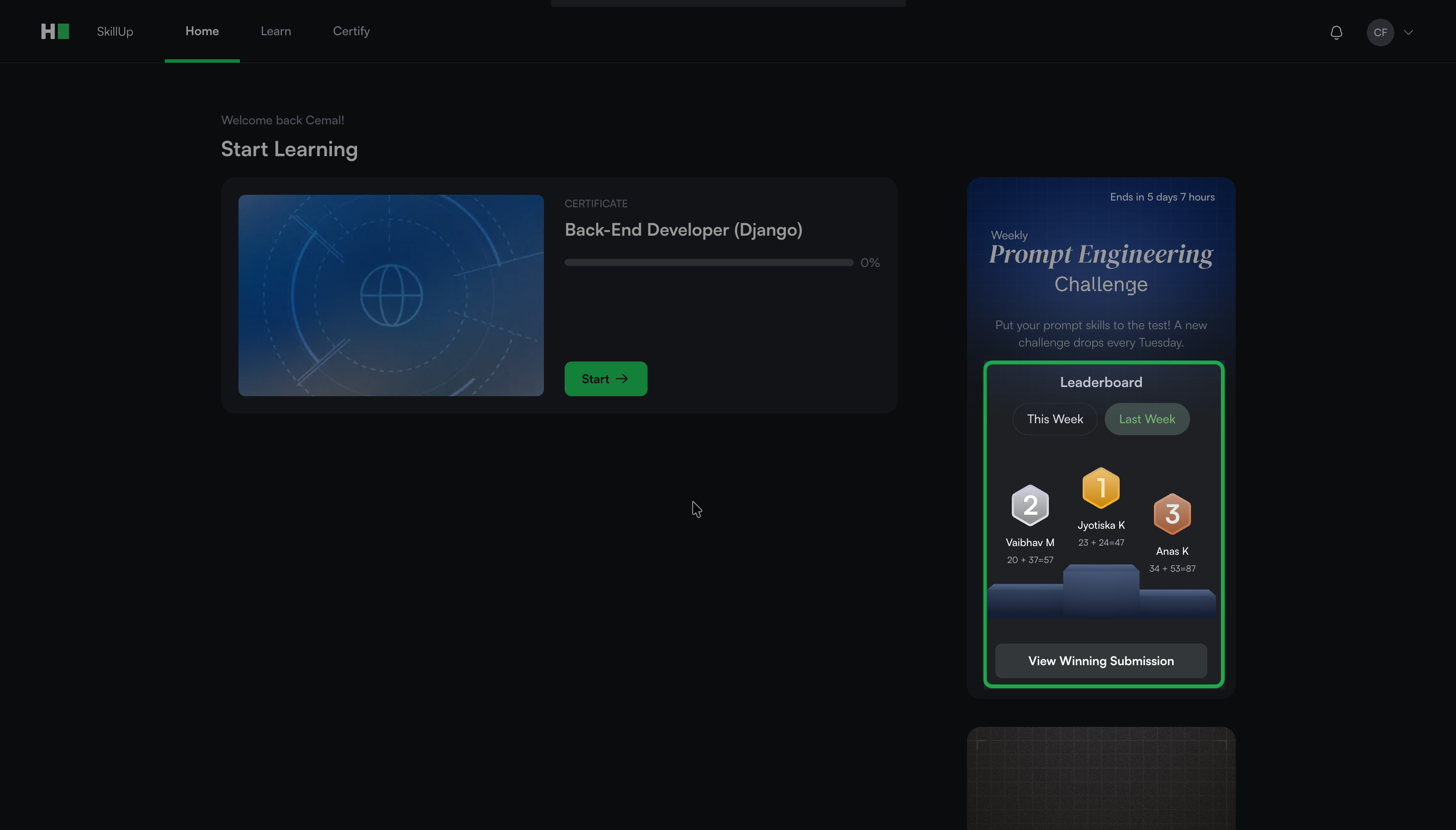
Each weekly challenge includes a leaderboard that ranks participants within the same organization.
Leaderboards allow users to:
Compare their submissions with peers
Learn from top-performing solutions
Track progress across multiple challenges
Note: Users can view the previous week’s challenge and winning submissions to learn from them.
Evaluating weekly challenges
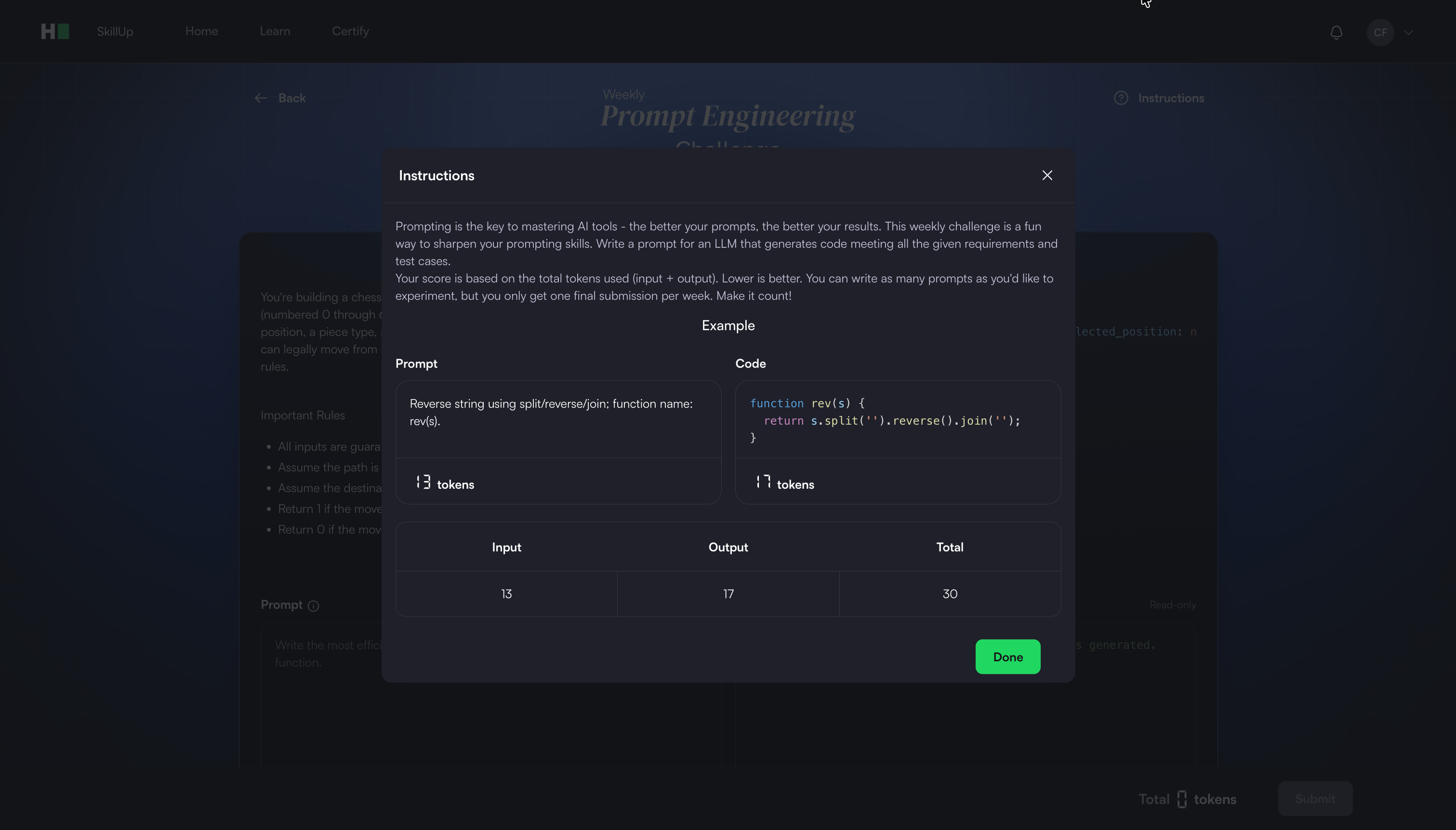
Weekly Challenges use token efficiency to evaluate submissions.
Total score = Input tokens (prompt) + Output tokens (generated code)
Lower scores rank higher
If scores tie, earlier submissions rank higher
Each user can submit once per weekly challenge
Available weekly challenges
HackerRank currently offers the Weekly Prompt Engineering Challenge.
Weekly Prompt Engineering challenge
The Weekly Prompt Engineering Challenge helps users improve their ability to write effective prompts for large language models (LLMs).
Prompting is a critical skill in modern development workflows. Developers interact with LLMs, agents, and AI-assisted development tools through prompts. Inefficient prompting increases cost by consuming unnecessary tokens or requiring repeated attempts.
This challenge reinforces the importance of clear, precise prompts for generating efficient and accurate results.
Attempting weekly Prompt Engineering challenge
To attempt the weekly Prompt Engineering challenge:
Click Start Challenge in the weekly Prompt Engineering challenge banner.
Read the instructions, then click Done.
Review the high-level problem statement.
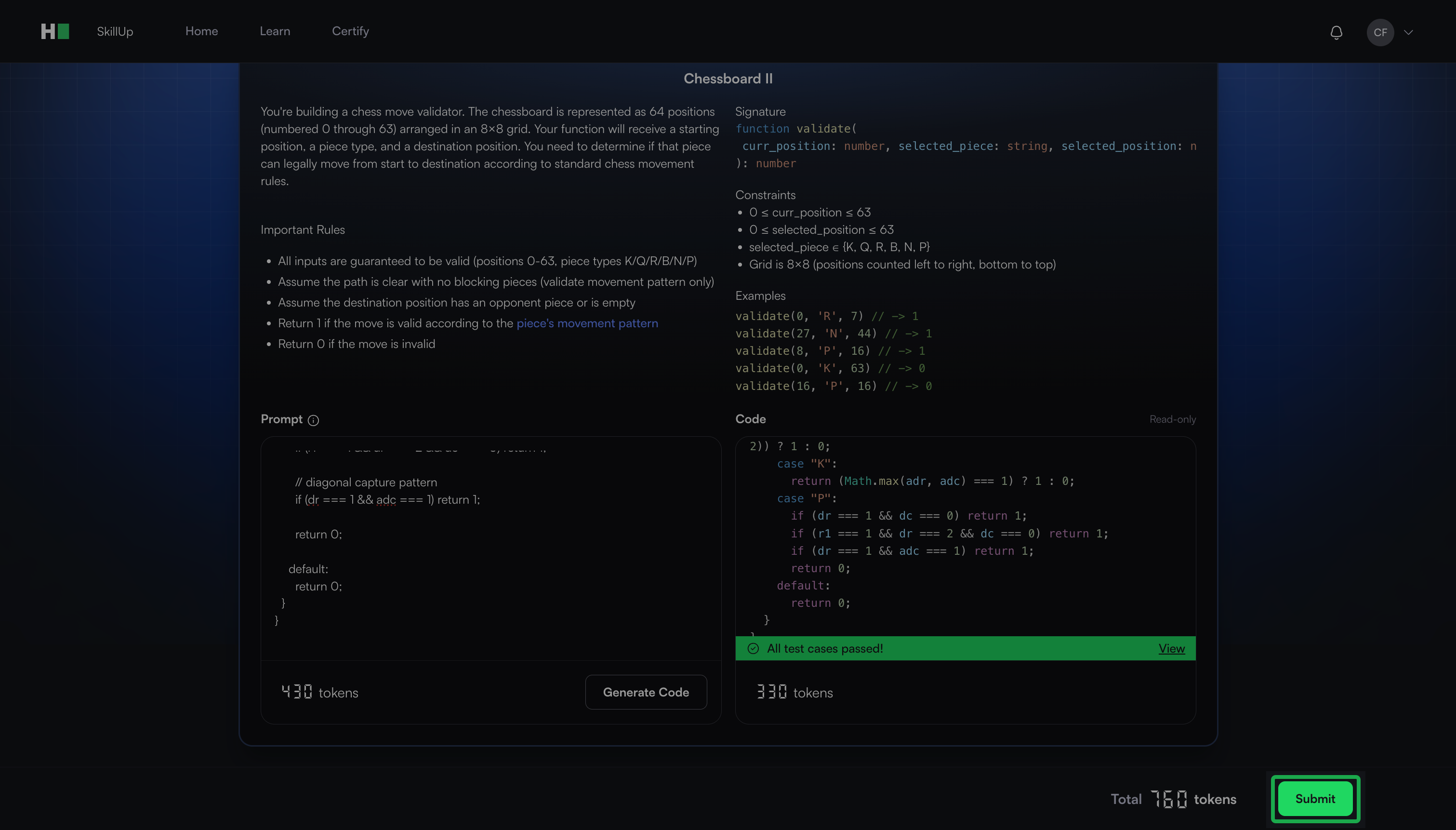
Write a single prompt in the Prompt field that instructs the LLM to generate the solution.
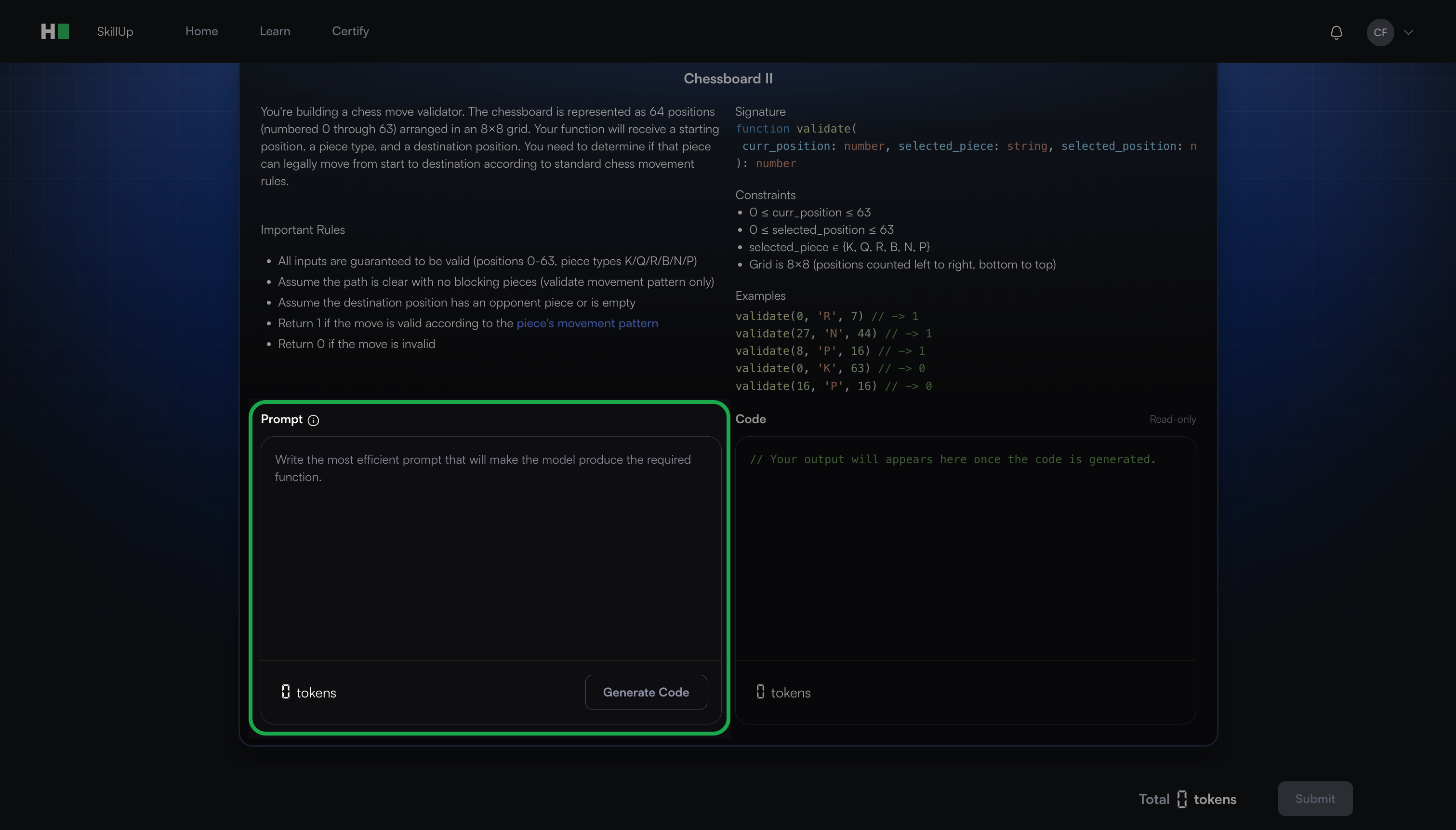
Click Generate Code.
Review the generated code and ensure that all test cases pass.
Click Submit.
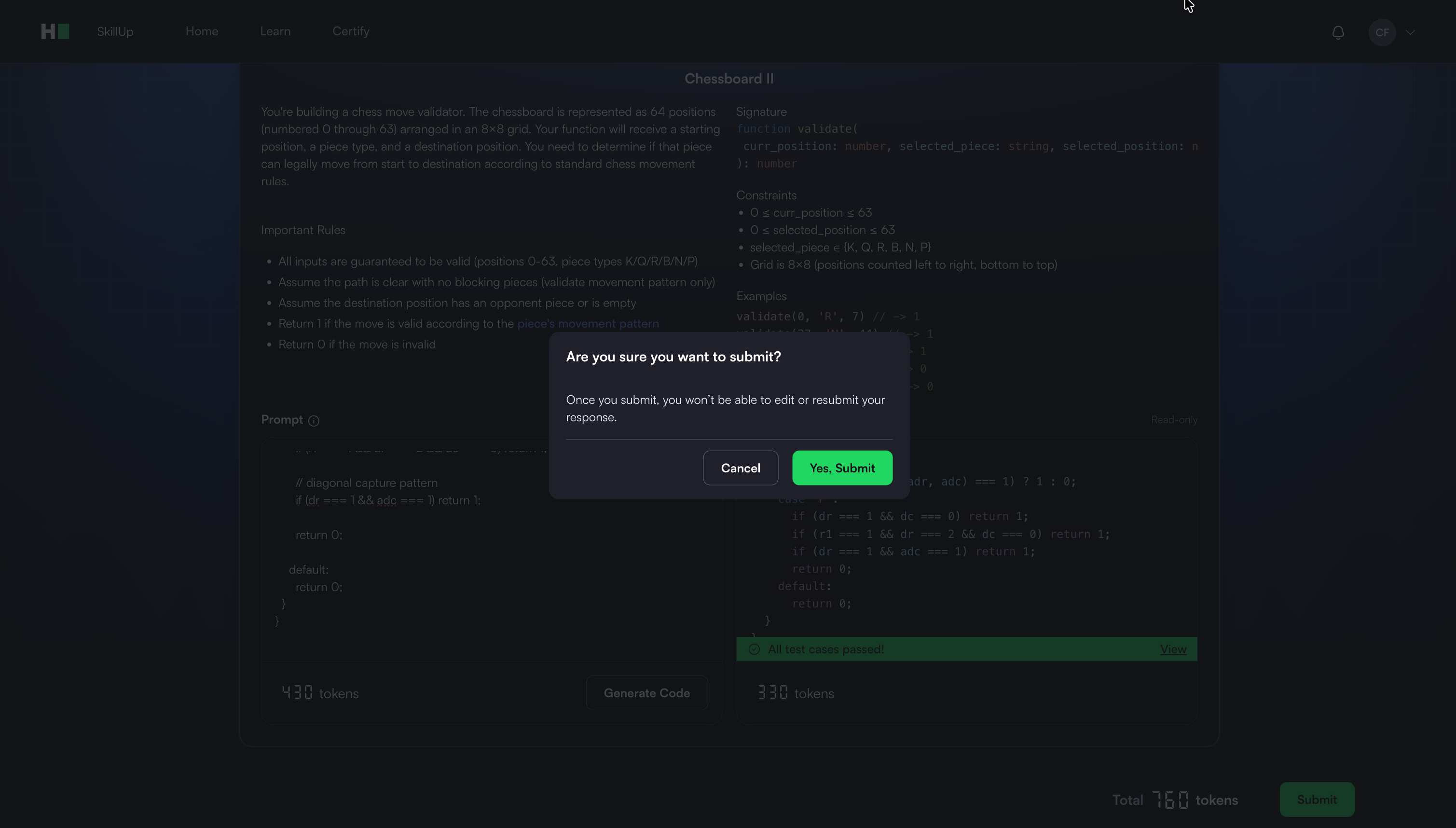
In the confirmation dialog, click Yes, Submit.
Note:
You can submit the challenge only after all test cases pass.
If the test cases fail, edit the prompt and regenerate the code.